
Resources
Your go-to hub for support, education, and connection. Everything you need to make the most of BridalLive, from expert guidance and helpful tutorials to community insights and support.
FAQ:
Quick answers, right when you need them.
Have questions about BridalLive features, setup, or best practices? Our FAQs cover the most common questions so you can find clarity fast and keep moving forward with confidence.
How does the 30-day trial work?
After you create an account, you get instant access to all BridalLive features for 30 days (if you would like to upgrade or downgrade your plan, just contact us).
What countries and languages are supported by BridalLive?
BridalLive is available in English, French, Spanish, Dutch, Italian, and German. We currently support the following countries: the United States, Canada, the United Kingdom, Ireland, Australia, New Zealand, France, Spain, Germany, Netherlands, Italy, Belgium, Romania, Denmark, Luxembourg, Mexico, and Switzerland. Countries outside of the current BridalLive-supported countries will not be able to access BridalLive. If you are interested in BridalLive and are located in one of the countries that are not yet supported, please email us at sales@bridallive.com.
What is the client portal?
BridalLive's Client Portal is a customer-facing digital experience that is completely brand-able and mobile-first. The Client Portal experience reinforces your brand message and increases customer engagement all while making it easier to manage and market your products and services. The Client Portal is an additional $110/mo and can be enabled and disabled at any time by going to your Account Settings.
What are smart flows?
You can use the Smart Flows in BridalLive to automate your processes like sending and scheduling emails and text messages, assigning tasks, and assigning categories among many other triggers that are available. BridalLive comes with a few important, default Smart Flows like sending an email confirmation scheduling a reminder when an appointment is booked, and assigning a customer to the category Purchased when a bridal gown is placed on an order. The setup and customizations for Smart Flows are endless.
Webinars:
Learn, grow, and get inspired.
Join us for our webinars where we share real-world strategies, product walkthroughs, and insights designed specifically for bridal retailers using BridalLive.
Help Center:
Support at your fingertips.
Looking for step-by-step guidance or troubleshooting help? Our Help Center is packed with articles, how-tos, and resources to help you navigate BridalLive with ease.
Step-by-step guides to help you tackle everything from setup to advanced features.
Quick video walkthroughs to make learning BridalLive fast and easy.
Insider advice and best practices to help your shop run smoother every day.
Join the Community:
Connect with fellow bridal professionals.
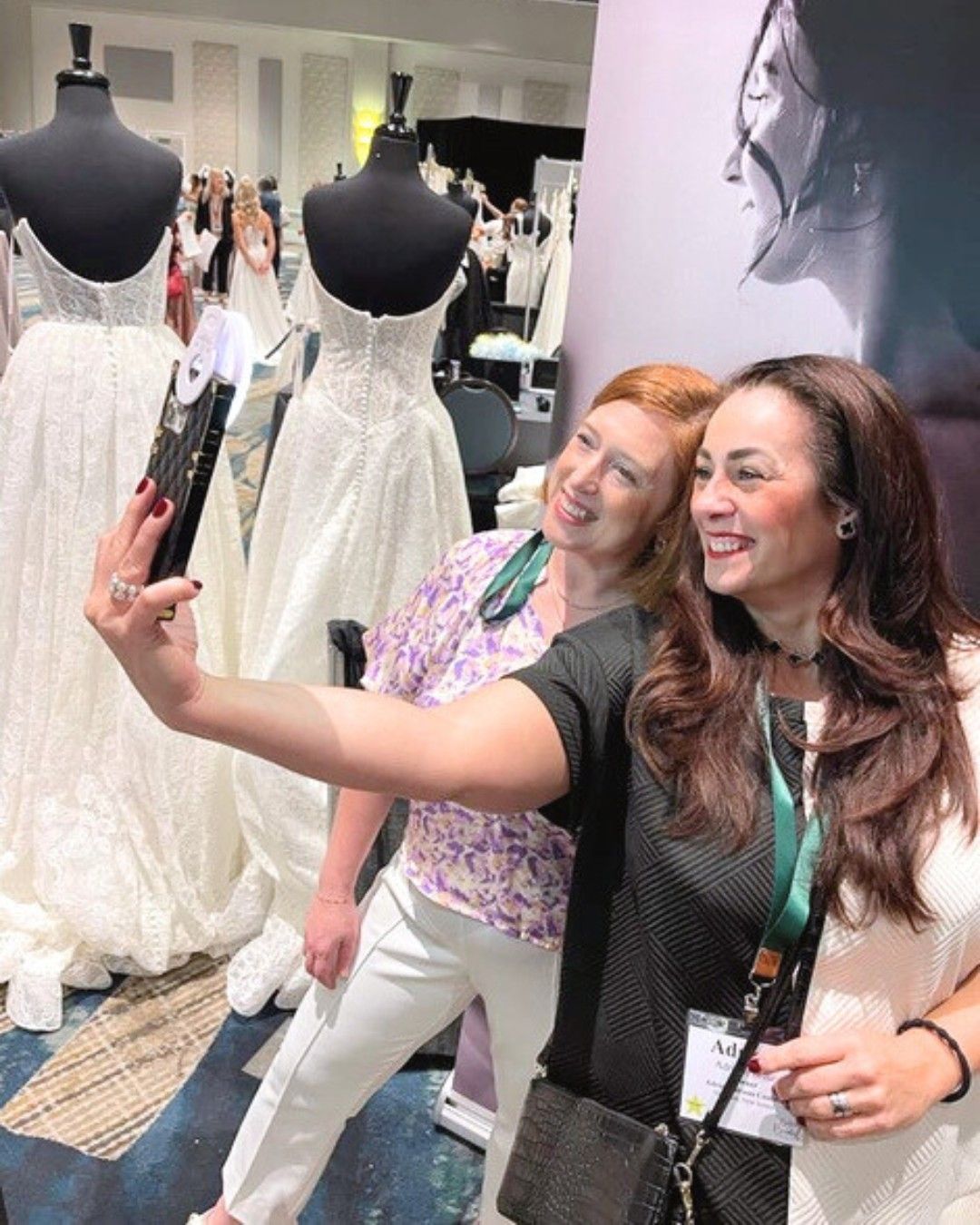
Become part of the BridalLive Community to ask questions, share ideas, and learn from other shop owners and teams who use BridalLive every day.